> For the complete documentation index, see [llms.txt](https://guide.dem.exchange/llms.txt). Markdown versions of documentation pages are available by appending `.md` to page URLs; this page is available as [Markdown](https://guide.dem.exchange/demex-rewards/past-events/2025/mantle-rewards-station-30-000-000-demex-points.md).
# Mantle Rewards Station: 30,000,000 Demex Points
From 28 March - 18 April 2025, participate in the Rewards Station campaign and compete for a share of 30,000,000 Demex Points!
The **Demex Rewards Station** campaign rewards traders who lock and utilize $MNT to earn $MNT Power, trade on Demex, and collect lottery tickets for a chance to win. \
\
With **2,000 winning tickets** available, now’s your chance to maximize your rewards!
### **How to Participate**
#### **1. Lock & Earn**
* Lock $MNT to earn $MNT Power on Rewards Station: [rewards.mantle.xyz](https://rewards.mantle.xyz)
**2. Trade on Demex**
* Execute trades worth a minimum of **$1,000** on any **perpetual contract** during the campaign period: [Trade on Demex](https://app.dem.exchange/trade) (guide below)
**3. Maintain a Daily Minimum**
* Hold a daily average of at least **200 MP (MNT Power)** throughout the event.
**4. Earn Lottery Tickets & Win**
* Eligible participants will receive **lottery tickets** for a chance to win a portion of **30,000,000 Demex Points**.
* A total of **2,000 winning tickets** will be drawn.
### How to trade on Demex
Trading Interface on Demex
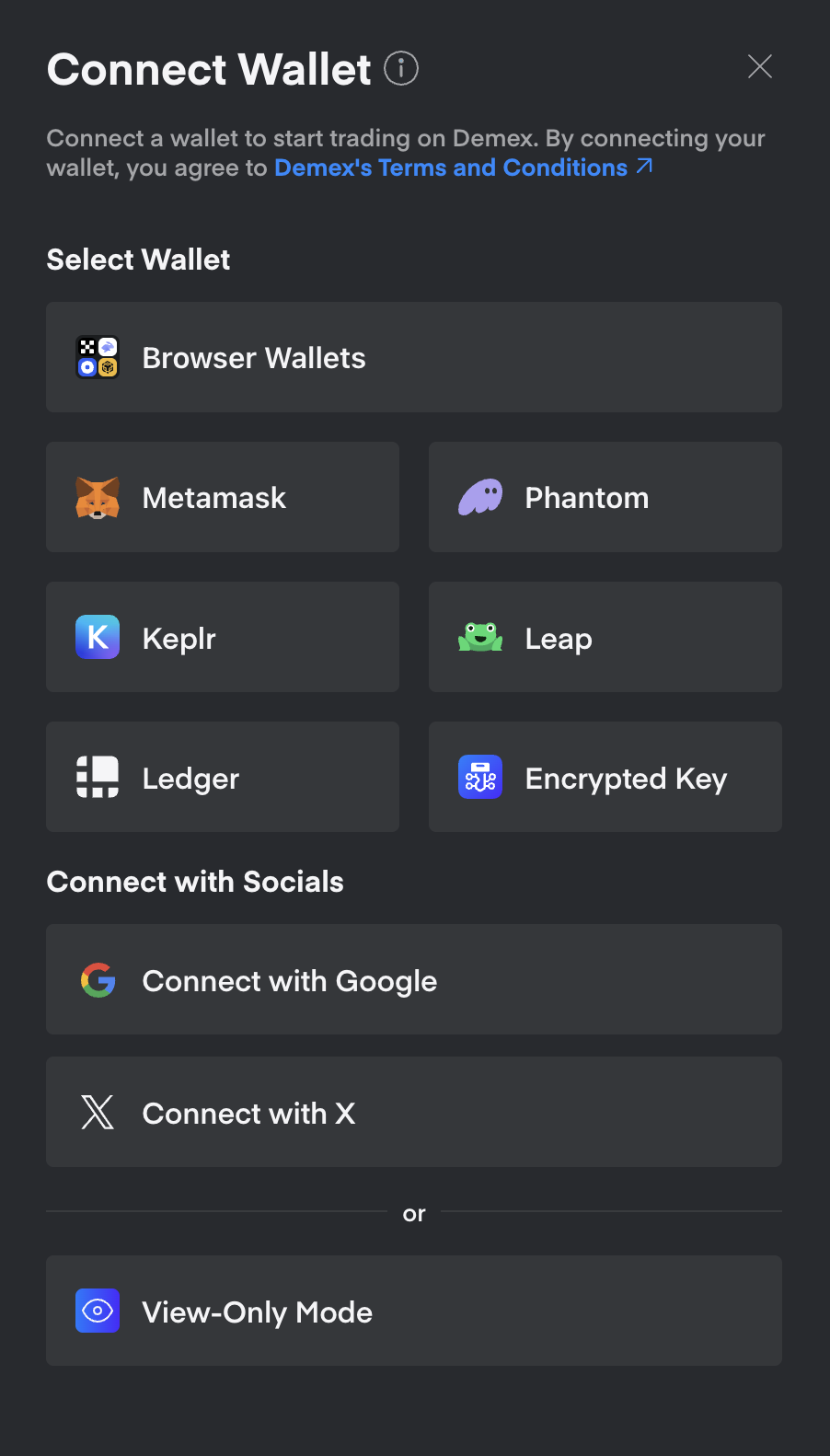
#### **1. Connect via Wallet**
* Connect to Demex via a range of wallets such as MetaMask, Phantom, Keplr or Leap.
#### **2. Deposit Funds**
* Click on Balances in the top-right dropdown menu
* Click on USD and select your Network as Mantle or any other preferred Network from the menu
* Create an address and deposit. Takes less than a minute to deposit from Mantle Network!
#### **3. Place your first trade and generate volume**
* Click on Trade to head to
* Choose from a range of perps to go long/short
* Generate a minimum of **$1,000** on any **perpetual contract** during the campaign period
***Pro-tip:***
Leverage can help you reach higher trading volumes more easily. Use 10x leverage to open a $100 position.
### Rewards
* **30,000,000 Demex Points** are up for grabs, distributed among 2,000 winning tickets.
* One **lottery ticket** per wallet by meeting participation requirements.
### Terms and Conditions
* Demex reserves the right to the final interpretation of this event, including the ability to disqualify fraudulent users and amend event rules if necessary.
* Maximum number of tickets a single user can receive is one (1) only; users must lock sufficient MNT for MP and trade on Demex to be eligible for the lottery.
* The wallet address connected to Rewards Station and the trading account on Demex must be the same for the user to be an eligible participant of this event.
* Connection and trading via Bybit Wallet through WalletConnect is not available.
* Event runs from 28 March - 18 April, 2025
* Users from [restricted regions](https://guide.dem.exchange/technical/terms-and-conditions#id-2.-restricted-locations) are ineligible
* Points will be distributed in USD within 90 days of event's end
* Terms may be modified to ensure fair participation
---
# Agent Instructions
This documentation is published with GitBook. GitBook is the documentation platform designed so that both humans and AI agents can read, navigate, and reason over technical content effectively. Learn more at gitbook.com.
## Querying This Documentation
If you need additional information that is not directly available in this page, you can query the documentation by asking a question.
Perform an HTTP GET request on the following URL with the `ask` and `goal` query parameters:
```
GET https://guide.dem.exchange/demex-rewards/past-events/2025/mantle-rewards-station-30-000-000-demex-points.md?ask=&goal=
```
`ask` is the immediate question: it should be specific, self-contained, and written in natural language.
`goal` is what the user is ultimately trying to achieve, the reason they need the answer. Sharing it helps GitBook give you a better, more relevant answer. A goal is most helpful when it describes the outcome the user wants rather than restating the question. For example, with `ask=how do I create an API token`, a goal like `automate deployments from our CI pipeline` lets GitBook tailor the answer to that use case.
The response will contain a direct answer to the question and relevant excerpts and sources from the documentation.
Use this mechanism when the answer is not explicitly present in the current page, you need clarification or additional context, or you want to retrieve related documentation sections.